Emergency Lighting Repair for Smart Home Owners
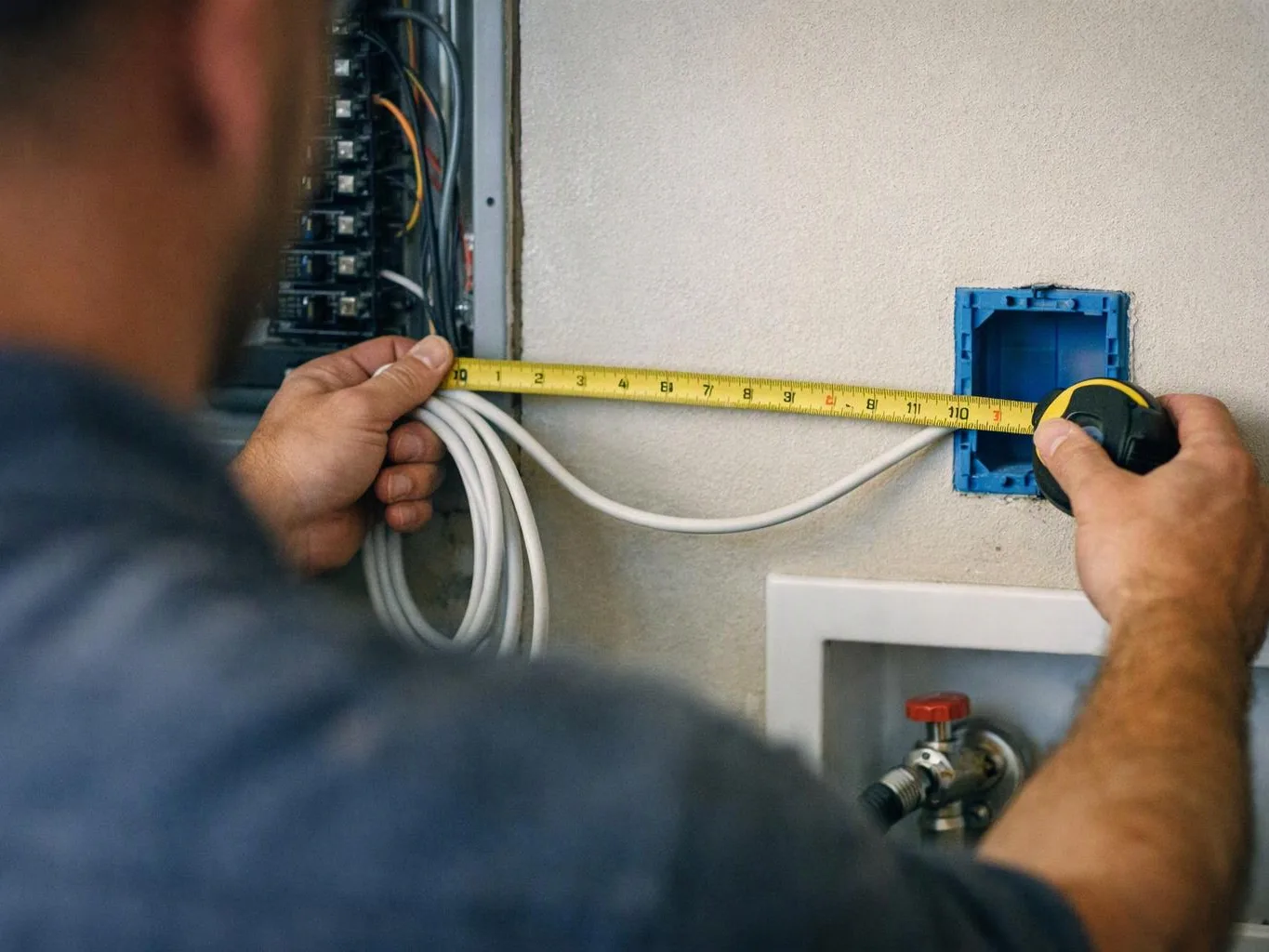
Emergency lighting repair for smart home owners requires checking the fixture, controls, power supply and circuit; San Bernardino Electrician diagnoses the fault and completes the related lighting or circuit breaker repair.
Get a Free Estimate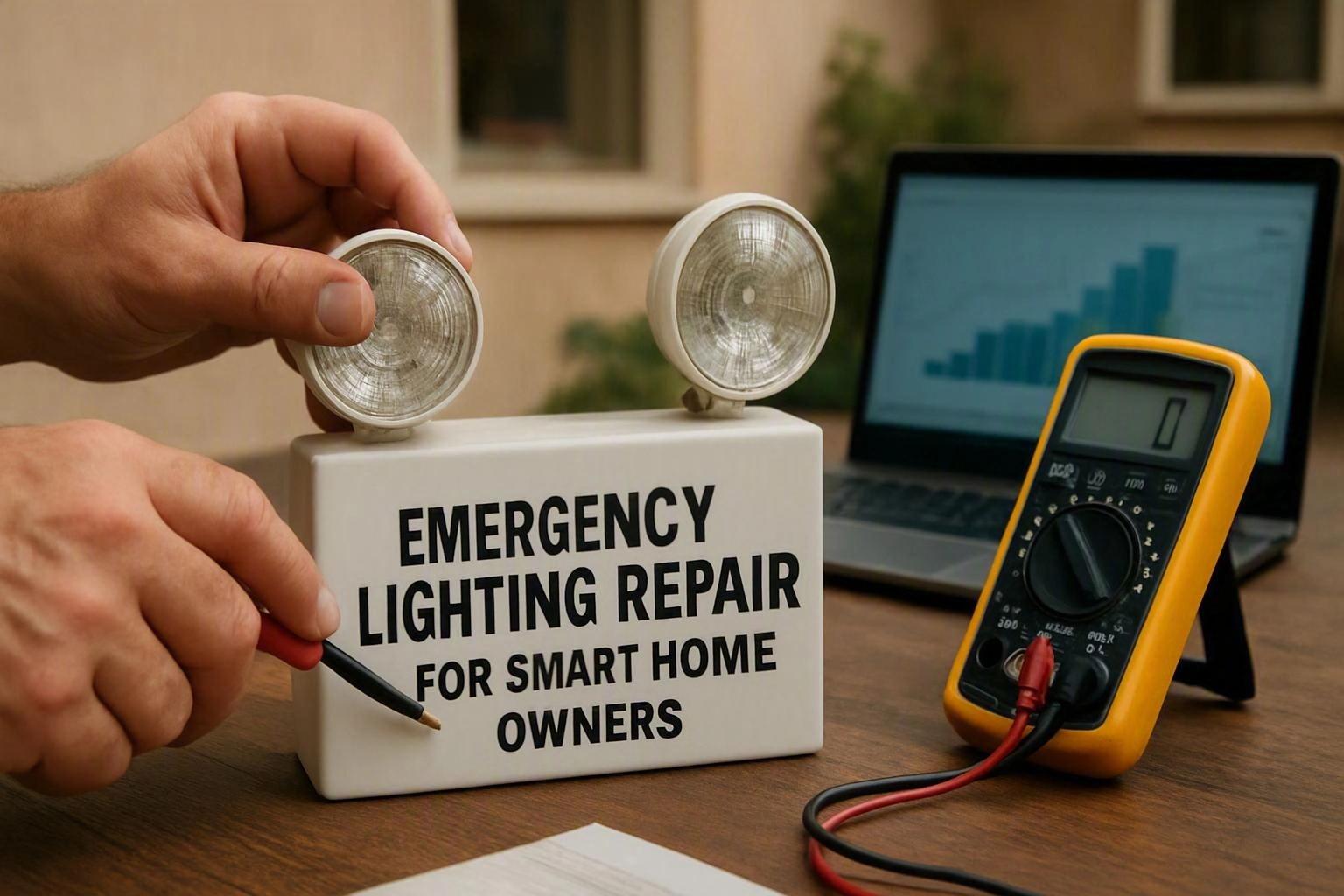
Why Smart Home Owners Need Emergency Lighting Repair
Emergency lighting repair helps smart home owners restore dependable illumination when connected controls, fixtures or electrical circuits stop working. We separate control problems from electrical faults so our repair addresses the actual cause.
Smart lighting can affect hallways, entrances, stairs and other areas where poor visibility creates a safety concern. Our crew checks the affected lighting system and restores safe operation without treating every failure as an app problem.
What Makes Smart Home Lighting Repair Different?
Smart home lighting repair requires checking both the electrical circuit and the connected control system because either side can interrupt operation. Our team tests the power supply, smart switch, lighting fixture and related connections.
Smart lighting uses controls that may connect with home automation, a control app, a voice assistant or a smart hub. A device can appear offline while the fixture has power, or the fixture can fail while the control system works correctly.
We confirm control compatibility before replacing a connected device. We also verify that manual operation remains available when the network or automation system is unavailable.
Smart Home Owners and Other Customers Have Different Lighting Needs
Smart home owners often need electrical repair and control troubleshooting during the same visit. Other residential customers may need a simpler fixture, switch or circuit assessment.
The comparison below shows how the repair focus can change based on the lighting system in the home.
| What is being compared | Smart home owners | Other residential customers |
|---|---|---|
| Primary control | App, smart switch, voice control or automation | Wall switch, dimmer or standard control |
| Diagnosis focus | Electrical circuit and connected devices | Circuit, switch and lighting fixture |
| Backup operation | Manual override and local control | Standard switch operation |
| Breaker review | Includes connected load and automation devices | Focuses on circuit load and visible symptoms |
| Repair decision | Considers control compatibility and fixture condition | Considers fixture, switch and wiring condition |
Our team uses the system design to guide the inspection. We do not replace a smart device before checking the circuit and fixture connected to it.
Which Features Matter Most in Emergency Smart Lighting Repair?
Smart home owners need lighting repair that addresses electrical safety, control compatibility and dependable manual operation. We review each feature as part of the fault diagnosis.
We test the repaired arrangement in both its connected mode and its local control mode. This supports dependable use when automation is unavailable.
Common Challenges With Connected Emergency Lighting
Connected emergency lighting can fail at the network, control, fixture or circuit level. Our team traces the symptoms across those points before selecting replacement parts.
We confirm whether the problem is limited to communication or includes a wiring fault. We also check whether the lighting fixture responds to direct control.
How We Diagnose a Smart Lighting Failure
Our electrical diagnosis follows the symptoms from the lighting circuit to the control system. We keep the testing focused so the repair matches the failed component.
We explain the identified fault before completing related lighting or circuit breaker repair. Our process helps separate an app issue from an electrical issue.
When Does a Smart Lighting Problem Need Circuit Breaker Repair?
A smart lighting problem needs circuit breaker repair when the breaker trips, will not reset or indicates a fault beyond the fixture or control. Our team checks the circuit and electrical panel before deciding whether breaker work is needed.
An overload can occur when the connected load is too high for the circuit. A short circuit or wiring fault can also cause repeated trips and create an electrical safety concern.
We look for signs that the breaker is protecting the circuit from a deeper problem. We then repair the related fault and test the circuit before returning it to service.
What Changes the Cost of Emergency Lighting Repair?
Emergency lighting repair cost depends on the fault location, wiring condition, smart-device compatibility and whether circuit breaker work is needed; we review the job and provide Free Estimates Available.
A fixture failure may require different work from a control compatibility problem. The condition of the wiring, access to the electrical panel and need for replacement parts also affect the repair scope.
We explain what the estimate includes, such as diagnosis, related lighting repair, compatible device work and electrical testing. You can request an exact quote after we inspect the system.
How to Prepare for a Smart Lighting Repair Visit
Preparation helps our team compare the lighting symptoms with the smart home setup. You can gather information without opening electrical equipment or removing covers.
Do not remove energized covers or repeatedly reset a breaker that trips again. We handle the electrical inspection and identify the safe repair path.
How We Restore Safe, Usable Lighting
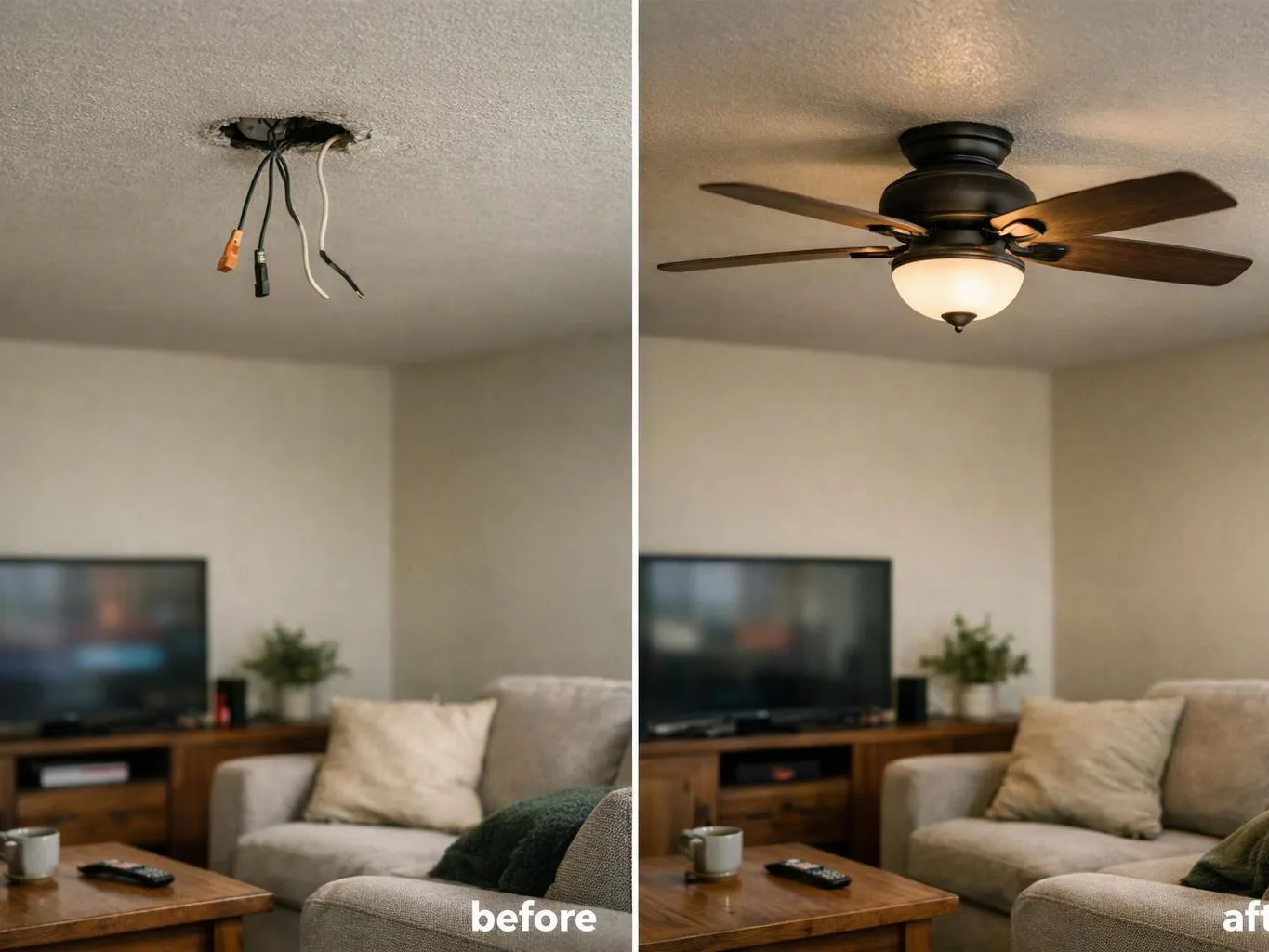
We restore safe, usable lighting by repairing the identified electrical fault, correcting compatible controls and testing the lighting circuit. Our work may include lighting installation, lighting repair or circuit breaker repair based on the diagnosis.
We install compatible replacement parts when a smart switch or lighting fixture has failed. We also confirm that smart home controls, local switches and manual operation work as intended.
Electrical testing helps us verify the repaired circuit and identify remaining symptoms before we finish. This final check supports reliable lighting and electrical safety.
Questions Smart Home Owners Ask About Emergency Lighting Repair
Emergency lighting repair can involve a smart switch, circuit breaker, lighting fixture or new lighting installation. The answers below explain how we separate those causes.
San Bernardino Electrician reviews the connected controls and electrical components together when the symptoms overlap. We then recommend the repair that matches the confirmed fault.
Questions About Emergency Lighting Repair for Smart Homes
Can a smart switch cause emergency lighting to stop working?
Yes, a smart switch can stop emergency lighting when it loses power, fails internally or is not compatible with the fixture. San Bernardino Electrician checks the switch, wiring, fixture and circuit before replacing the device.
What should I check when smart lights stop responding?
Check whether the light works from its manual control, whether the app shows the device offline and whether the circuit breaker has tripped. We inspect the electrical circuit when those checks do not restore safe operation.
Can a tripped breaker affect smart home lighting?
Yes, a tripped breaker can remove power from smart switches, hubs and lighting fixtures on the affected circuit. We identify why the breaker tripped before completing circuit breaker repair or restoring the lighting.
Should smart lighting be repaired or replaced after a power fault?
Smart lighting should be repaired when the device remains compatible and the fault is correctable, while replacement may fit a failed or incompatible component. We test the circuit and device before choosing between repair and replacement.
Can emergency lighting repair include smart switch installation?
Yes, emergency lighting repair can include smart switch installation when the switch suits the lighting fixture, circuit and control system. We verify wiring, compatibility and manual operation before completing the installation.
Contact San Bernardino Electrician to have our team diagnose the smart controls, lighting fixture and electrical circuit. We provide Free Estimates Available and restore safe, usable lighting based on the confirmed repair scope.
Contact our team about emergency lighting repair
Get a Free EstimateRelated Resources
Signs You Need Circuit Breaker Repair in San Bernardino, CA
When You Need ItWhen to Call an Electrician for Burning Smells and Hot Outlets in San Bernardino, CA
When You Need ItElectrical Wiring Warning Signs: When San Bernardino Homes Need an Electrician
When You Need ItSigns Your Outdoor and Landscape Lighting Has Electrical Damage in San Bernardino, CA